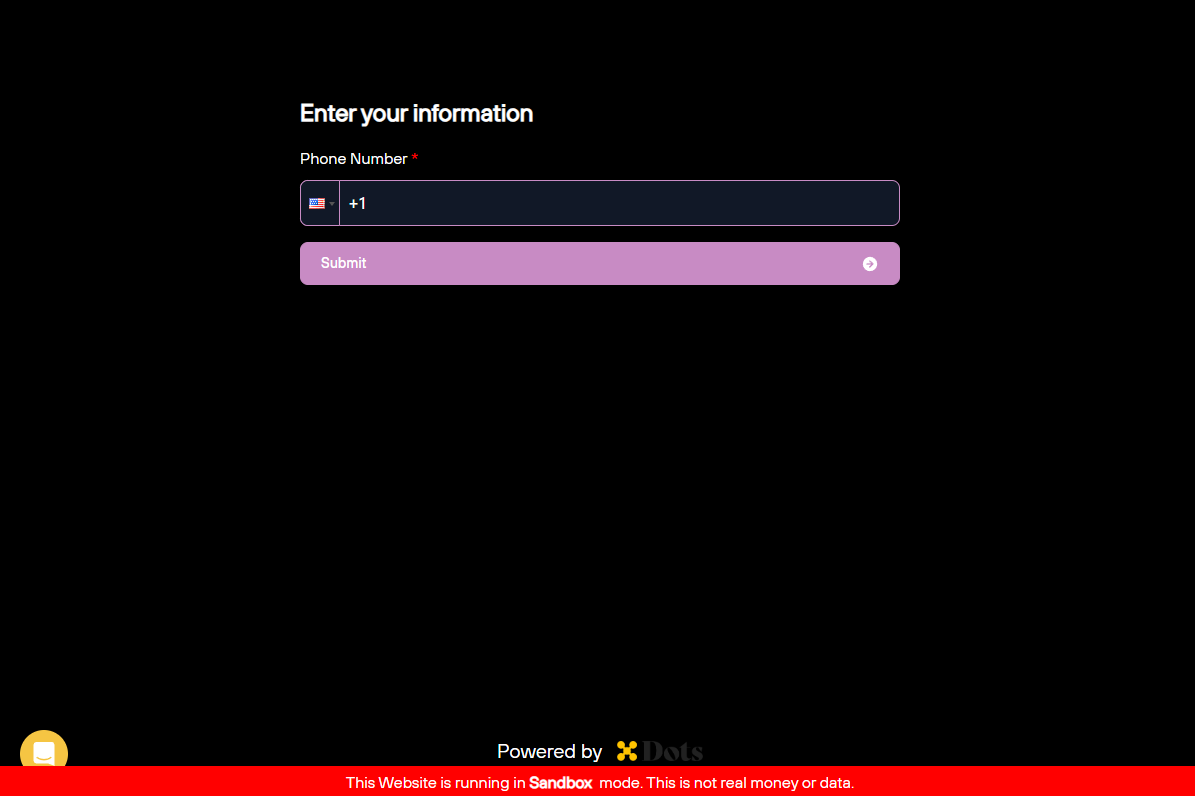

Available configurations
You can customize the Flows’ appearance by changing the theme and CSS variables. Thetheme parameter controls the overall appearance of elements that cannot be individually configured, such as the Dots logo or the date picker icon. The available themes are:
light(default)dark
The following code block presents the JSON structure you should use to set the Flow style.
Customizing a Flow
To apply the custom styling to your Flow, follow the steps:- First, you need to stringify the configurations, including
themeandvariables, converting the configurations to a JSON string. - URL encode the JSON string.
- Append the encoded string as a
?styles={url_encoded_config}query parameter to the Flow link when attaching it to an iframe.